
Guides
Improving small business email marketing: what to repair before sending more
Repair small business email marketing in order: permission, sender authentication, unsubscribe, customer promise, audience, automation collisions, outcome measures.
What to take away
- Repair permission, authentication, unsubscribe, the customer promise, and automation collisions in that order, before subject lines or volume.
- Trace one program from address collection through suppression, then fix the weakest step.
- Compare customer and financial outcomes by source and program, with provider signals used as diagnostics.
How to improve small business email marketing begins with repairing permission, identity, and customer value before changing subject lines. Trace one program from signup through delivery, action, unsubscribe, and suppression, then fix the weakest handoff.
Audit address provenance
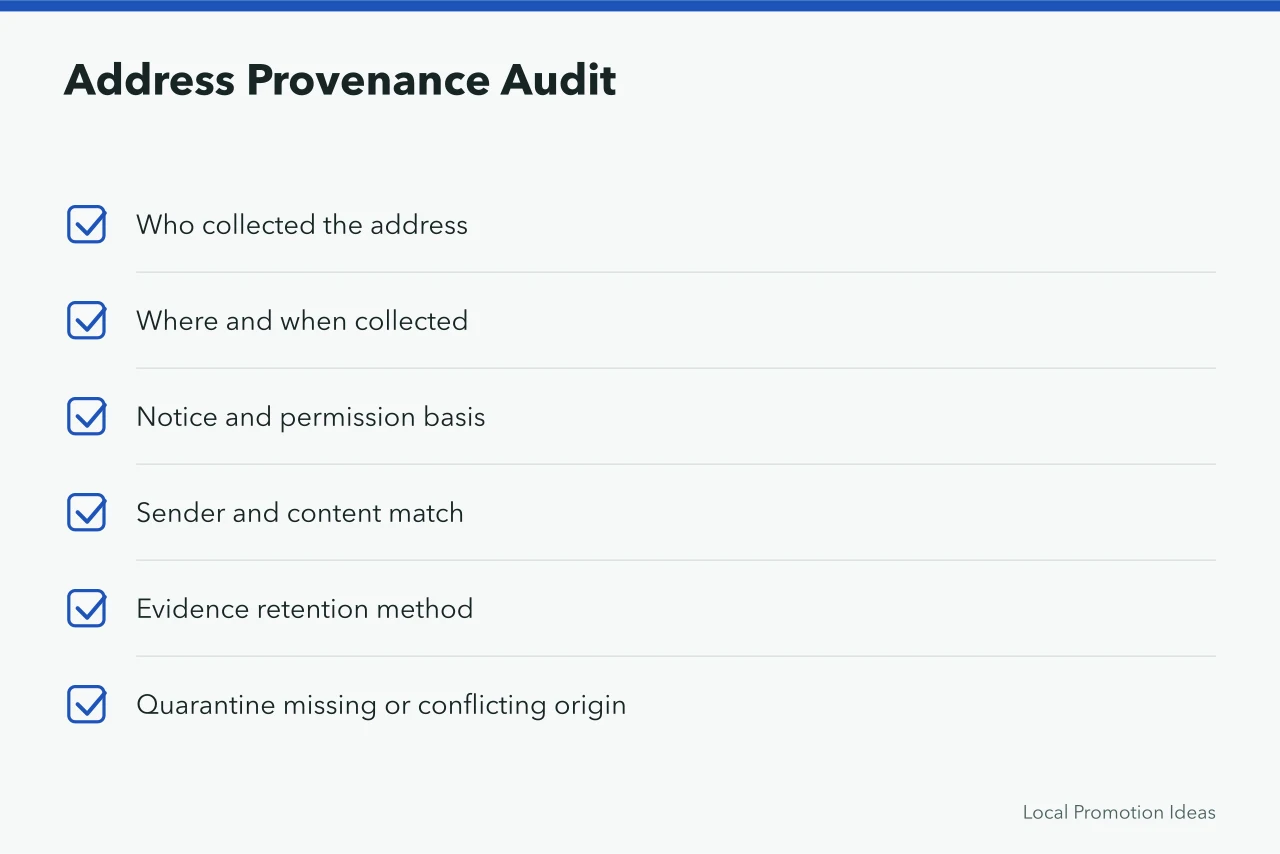
For every source, record who collected the address, where, when, under which notice and permission basis, for which sender and content, and how evidence is retained. Quarantine imports with missing or conflicting origin. Never treat an old customer export as unlimited permission.
A filled record for one source looks like this:
| Field | Example entry |
|---|---|
| Who collected | Front desk staff, in store |
| Where and when | Checkout tablet, 14 March 2025 |
| Notice shown | Counter sign naming sender, purpose, and frequency |
| Permission basis | Express opt-in, no prechecked box |
| Sender and content | Weekly repair tips from the main domain |
| Evidence kept | Signed form scan in a shared drive, 24 months |
Repair sender infrastructure
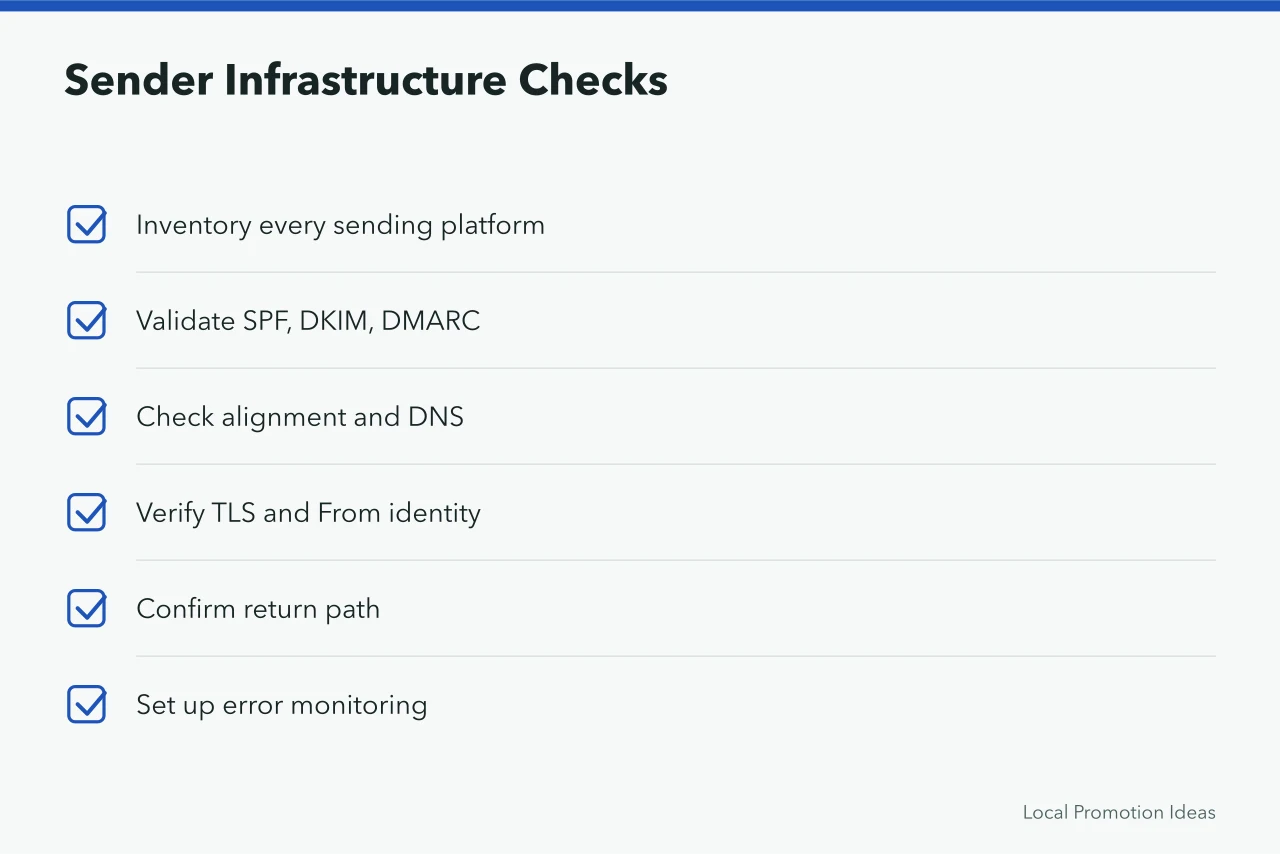
Inventory every platform that sends from the domain. Validate SPF, DKIM, DMARC, alignment, DNS, TLS, From identity, return path, and error monitoring with qualified technical owners. Gmail's requirements differ by volume, but all senders to personal Gmail accounts face baseline authentication and formatting expectations.
A basic record set lists your sending provider in SPF, a DKIM key the provider publishes at your DNS host, and a DMARC record that starts at p=none with a reporting address, then moves to p=quarantine.
Check the settings in your own account, not the sales page:
- Mailchimpconfirm domain authentication is on and the From address uses the authenticated domain.
- Klaviyoconfirm the sending domain and DKIM records verify, and that an unsubscribe in one list suppresses the contact everywhere.
- Constant Contactconfirm self-authentication records and that automated sends follow the same unsubscribe rules as campaigns.
Make subscription and exit simple
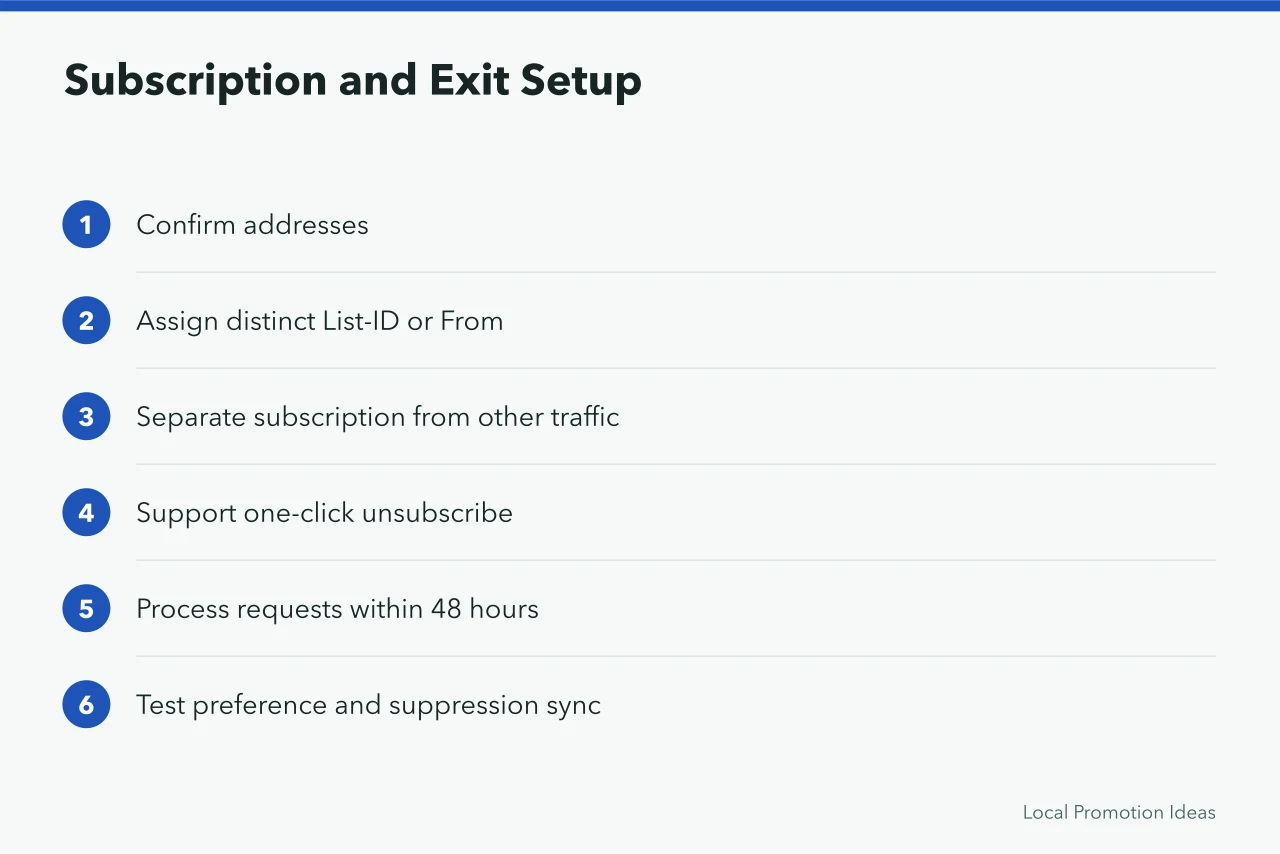
Google's subscription-message guidance advises confirming addresses, identifying each list with a distinct List-ID or From address, separating subscription from non-subscription traffic, supporting one-click unsubscribe, and processing requests within 48 hours. Those are Gmail delivery requirements, not a substitute for the law that applies to the sender and recipient.
Use a specific signup promise and confirmed address workflow where appropriate. Test visible and one-click unsubscribe, preference changes, suppression, and downstream synchronization. Legal deadlines and mailbox-provider processing requirements can differ, so record the standard applied.
Improve the message promise
Choose one customer job and one next step. State the useful answer early, support claims, explain conditions, and match the landing page. Remove fake urgency, excessive images, vague buttons, outdated promotions, and personalization that does not change relevance.
Tighten the audience
Segment by declared interest, geography, language, lifecycle, owned product, or recent action when permitted. Exclude people who already completed the goal, opted out, bounced, complained, or entered a sensitive service state. Define a fallback for incomplete data. A documented audience definition also supports a small business marketing strategy that survives contact with real customer data.
Reduce automation collisions
Map every active trigger on one timeline. Add frequency caps, priority, exclusions, exits, and alerts so a person does not receive a welcome, cart, review, promotion, and renewal email at once. Test reversals, duplicate events, late data, and provider outages.
Control names differ by tool. In Mailchimp, check Customer Journey exit rules. In Klaviyo, check flow filters and smart sending. In Constant Contact, check whether campaigns and automations share one frequency cap.
Measure customer outcomes
Google's top sender-issue checklist identifies authentication, unwanted mail, rate limits, spam classification, IPv6, TLS, and From-header problems that can affect delivery. Use current error messages and provider evidence to diagnose the actual failure. A delivery fix does not cure weak permission, an irrelevant message, or a broken customer destination.
Compare delivery, complaints, unsubscribes, clicks, replies, conversions, revenue, returns, retention, and staff workload by source and program. Privacy and mail-client behavior limit what open tracking can establish. Use open data only as supporting context and document provider changes.
Use typical ranges as a guide, then compare against your own history. Keep spam complaints under Google's 0.3 percent ceiling for bulk senders, hard bounces under about 2 percent, and unsubscribes near 0.1 to 0.2 percent of delivered mail. Inbox placement above 95 percent is typical for authenticated, opted-in lists.
What counts as good depends on list age, source, and send frequency.
Change one constraint per cycle, keep a decision record, and stop volume that recipients do not expect or value. Better permission and fulfillment usually outperform cosmetic optimization.
Email improvement order
| Stage | Evidence | Pass condition |
|---|---|---|
| Permission | Source, promise, status, suppression | Audience is defensible |
| Infrastructure | Senders, DNS, authentication, exits | Identity and choice work |
| Value | Message, destination, customer result | Promise is fulfilled |
| Learning | Comparable cohort and decision record | Next change is justified |
Pricing tracks contact count rather than features. For a few hundred contacts, entry plans at the three tools above are typically free or under about $30 a month, before add-ons such as a dedicated IP or advanced automation.
Run a controlled handoff
The GOV.UK technology selection guidance recommends adaptable choices, data control, security review, and ownership-cost analysis. Use those public-service questions when assessing an email platform; they are not product endorsements. Small businesses should also settle questions about permission and purchased lists before choosing any platform.
The CISA software acquisition fact sheet covers development practice, supply-chain exposure, deployment, and vulnerability management.
Common questions
What should a small business fix first?
Stop unsafe or unexpected volume, then repair missing permission evidence, lost account control, failed authentication, broken unsubscribe, and inaccurate destinations.
Will a new template improve deliverability?
A template can improve clarity and accessibility, but it cannot replace permission, authenticated identity, sound acquisition, working suppression, or useful content.
How long should an email test run?
Run long enough to observe a representative, comparable sample under a predefined hypothesis, success measure, guardrail, time window, and stop rule.